01
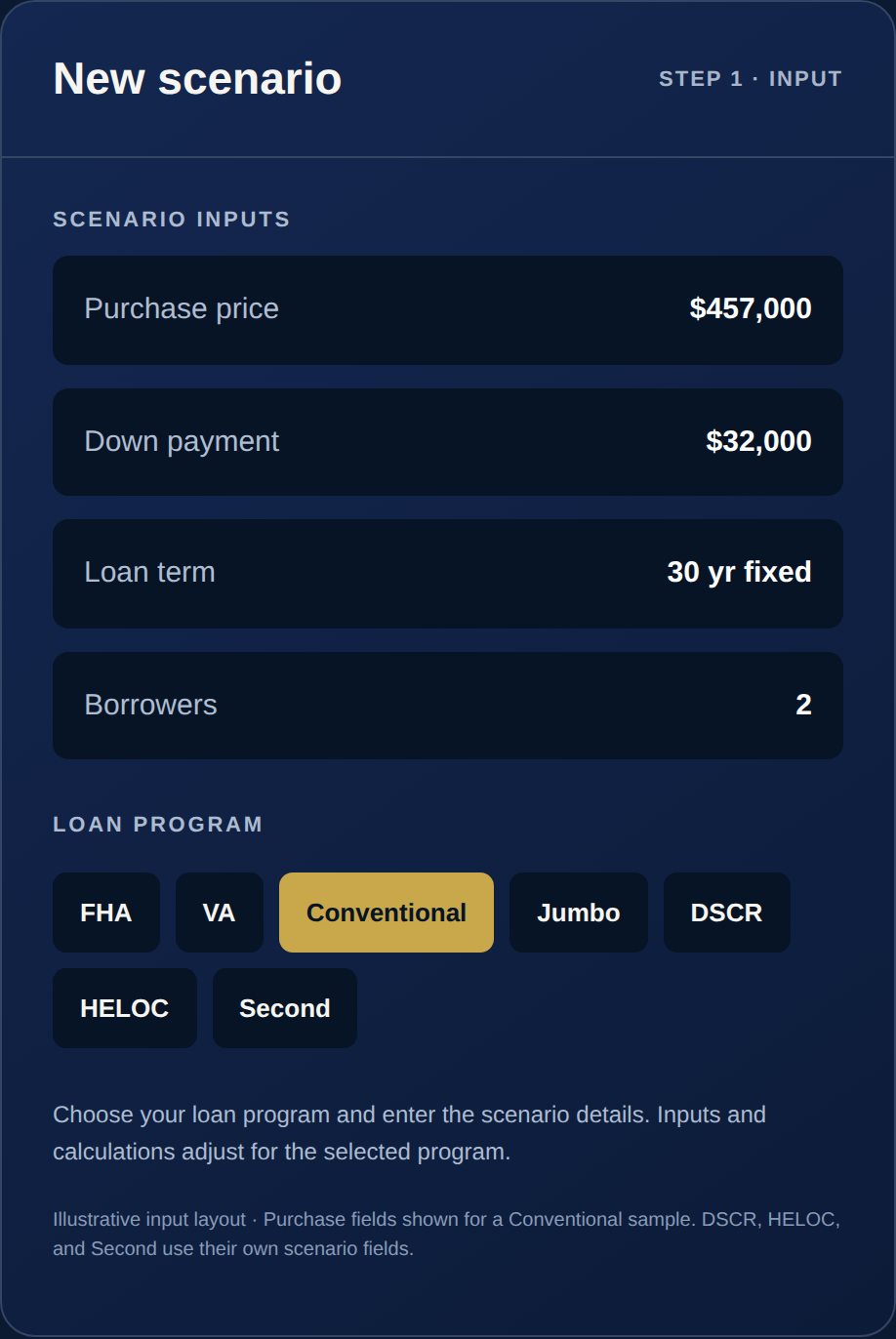
Enter the scenario
Start with the purchase price, down payment, loan term, borrower details, and program you want to evaluate. Use percentage or dollar down-payment entry and flexible payment options.
02
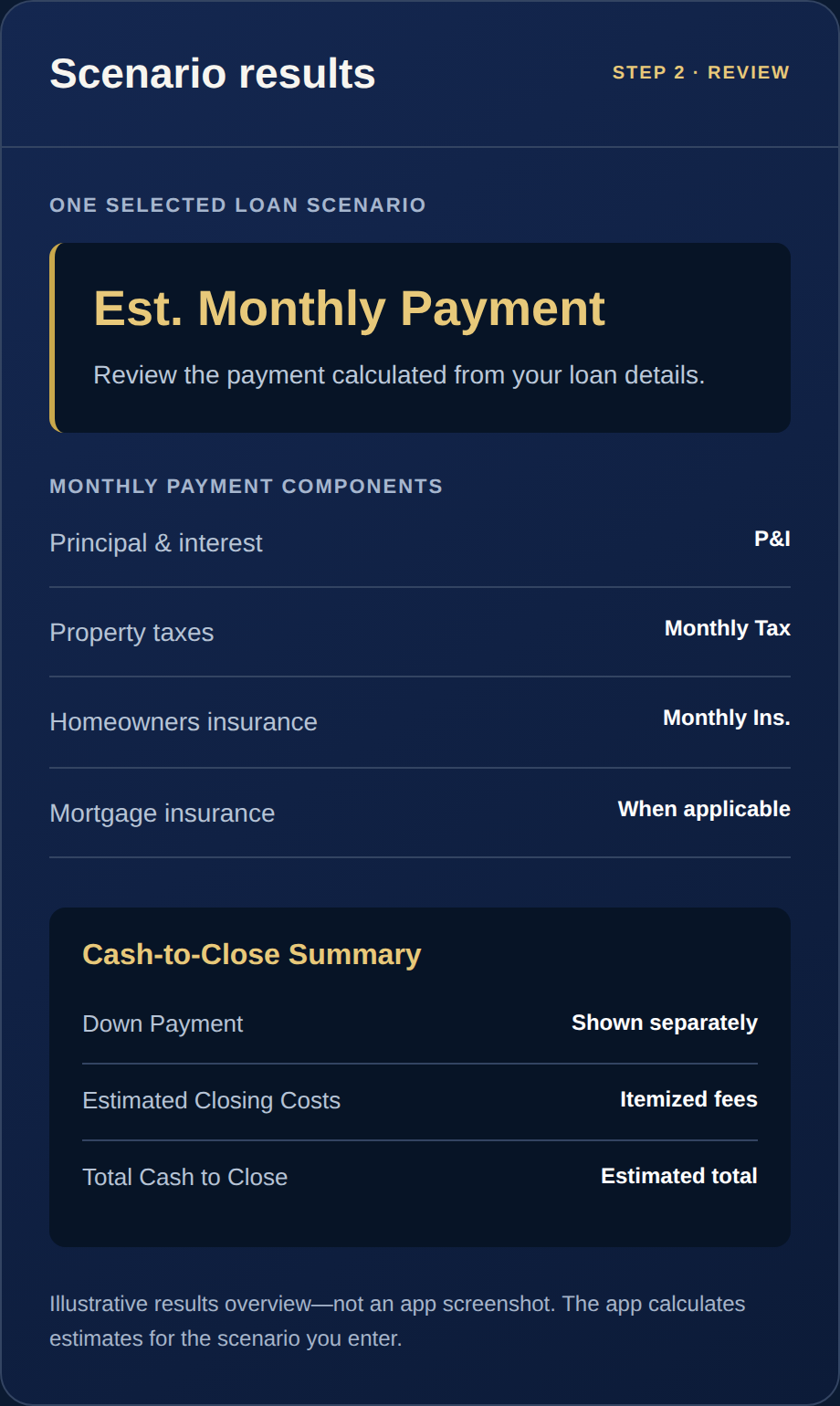
Review your selected scenario
Choose FHA, VA, Conventional, Jumbo, DSCR, HELOC, or Fixed 2nd. Review that scenario’s estimated payment and costs, then save it for later or adjust the inputs.
03
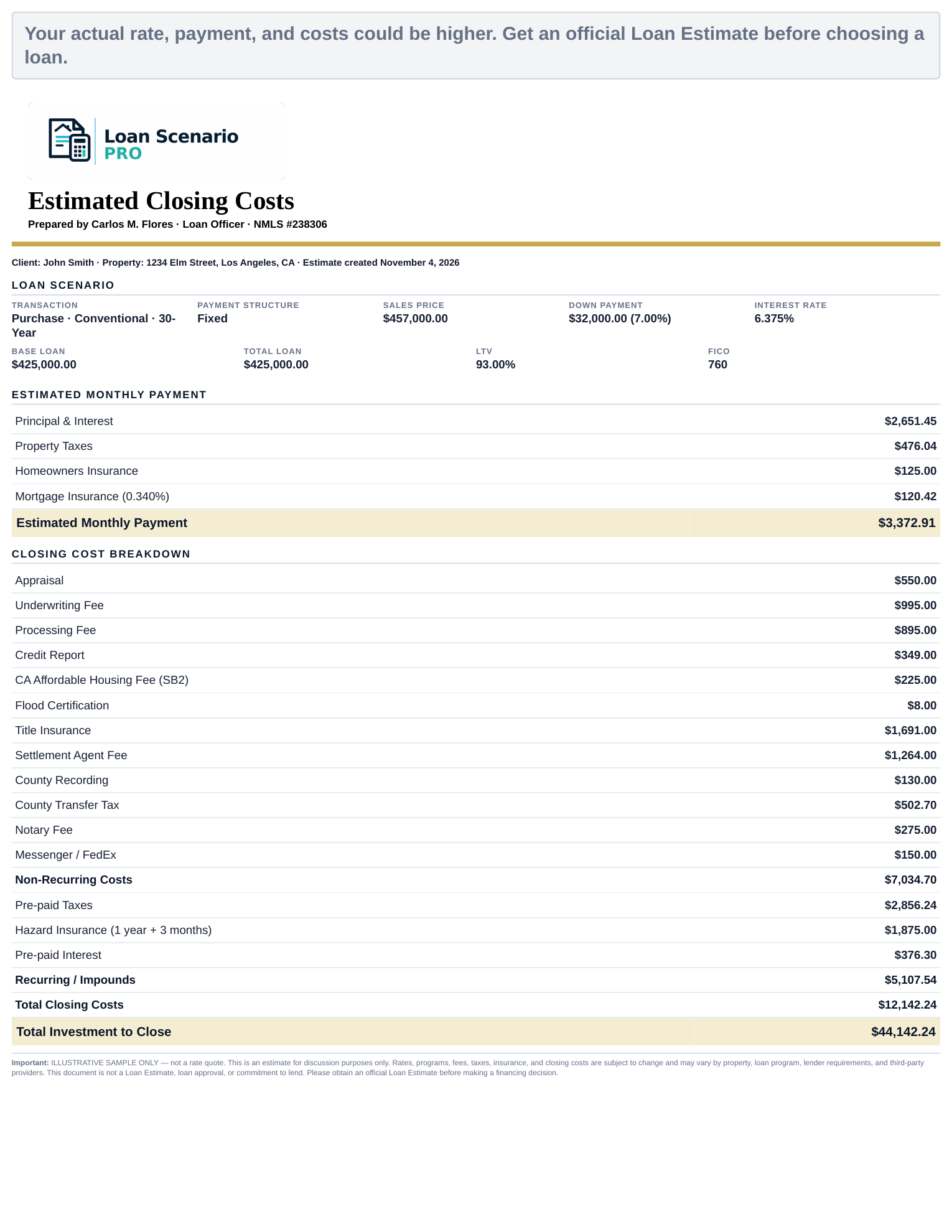
Share a branded planning estimate
Create a one-page PDF with estimated payment, loan amount, rate, closing costs, cash to close, client and property details, professional branding, and required consumer disclosures.
04
Built around real mortgage workflows
Use county-aware guidance, protected server calculations, temporary buydowns, qualification tools, complex income scenarios, and editable approved fee assumptions.
05
Flexible inputs
Use percentage or dollar down-payment entry, quick percentage presets, 25-year terms, interest-only payments, editable fee assumptions, and Conventional PMI factor overrides.
06
County-aware guidance
Search all states and counties with autocomplete, matching highlights, high-cost county exceptions, and prominent loan-cap warnings with haptic and visual feedback.
07
Complex income qualification
Use the qualification worksheet for multiple borrowers and income types, including hourly income, bonus averaging, self-employed scenarios, and investor-focused analysis.
08
Personal branding controls
Add your name, NMLS number, phone, email, website, transparent logo, crop preferences, and PDF branding while keeping the beta Pro features gated for future paid access.
 Download TestFlight